How I Onboarded My First AI Employee: My Real-Life Journey from Overwhelmed Solo Worker to Ethical AI Collaboration
I work in higher education, supporting teaching and learning at a large public institution. My work sits at the intersection of people, ideas, and logistics: designing multi-track learning experiences, running workshops, writing guides and workbooks, and building a path toward independent consulting.
It's meaningful, human-centered work. It's also a lot for one person.
For a long time, my days were shaped by the same three problems:
- Big ideas, limited time
- Constant cognitive load
- Important decisions made in relative isolation
I didn't need more inspiration. I needed help.
That's when I stopped "dabbling with AI" and decided to treat an AI system as my first digital employee. Not a gimmick. Not a novelty. An actual member of my working ecosystem, with a role, a job description, and ongoing responsibilities.
The Decision: AI as Collaborator, Not Replacement

I wasn't interested in handing my work to a machine. The parts I care about are deeply human: building trust, listening, making sense of complex stories, holding space for students and educators, telling the truth about mental health, and designing experiences that invite people in.
But there were parts of my work that were draining my energy and eating my time:
- Turning messy ideas into structured outlines
- Drafting first versions of program documents
- Coming up with fresh activity formats for workshops
- Breaking huge goals into realistic steps
I wanted AI employees to take the heavy lift off my executive function and off my calendar, not take my voice or my values. So I wrote it a job description.
Step 1: Giving My AI a Role
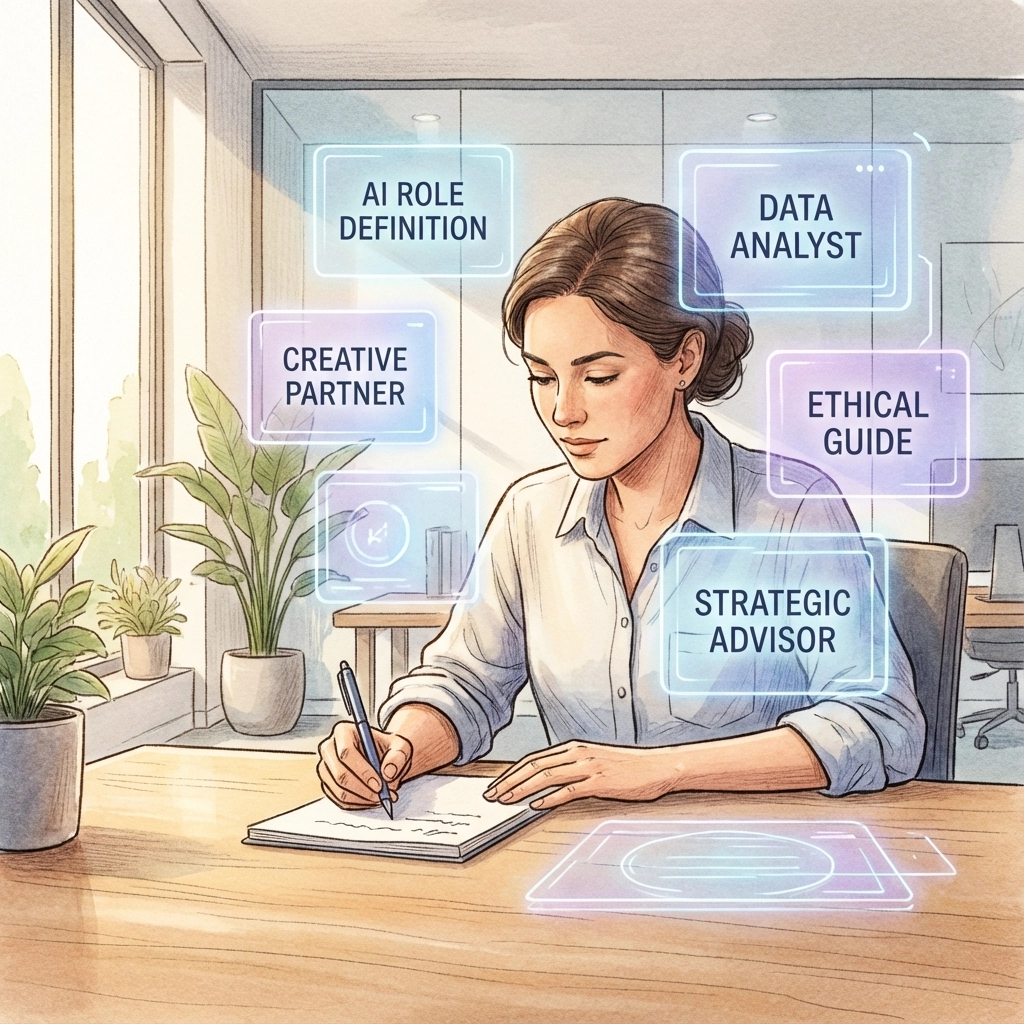
Instead of treating AI like a search bar, I framed it as a junior collaborator. In my case, my "AI employee" would play three roles:
- Program design partner
- Writing and editing assistant
- Planning and prioritization coach
I literally told it something like:
"You are my long-term collaborator on learning programs, events, and writing. I will share context about my role, my values, and my constraints. I want you to help me make things clearer, more structured, and more human, not more corporate."
That framing changed the way I asked for help. I was no longer throwing random tasks at a tool. I was delegating work inside a relationship.
Step 2: Onboarding My AI Employee
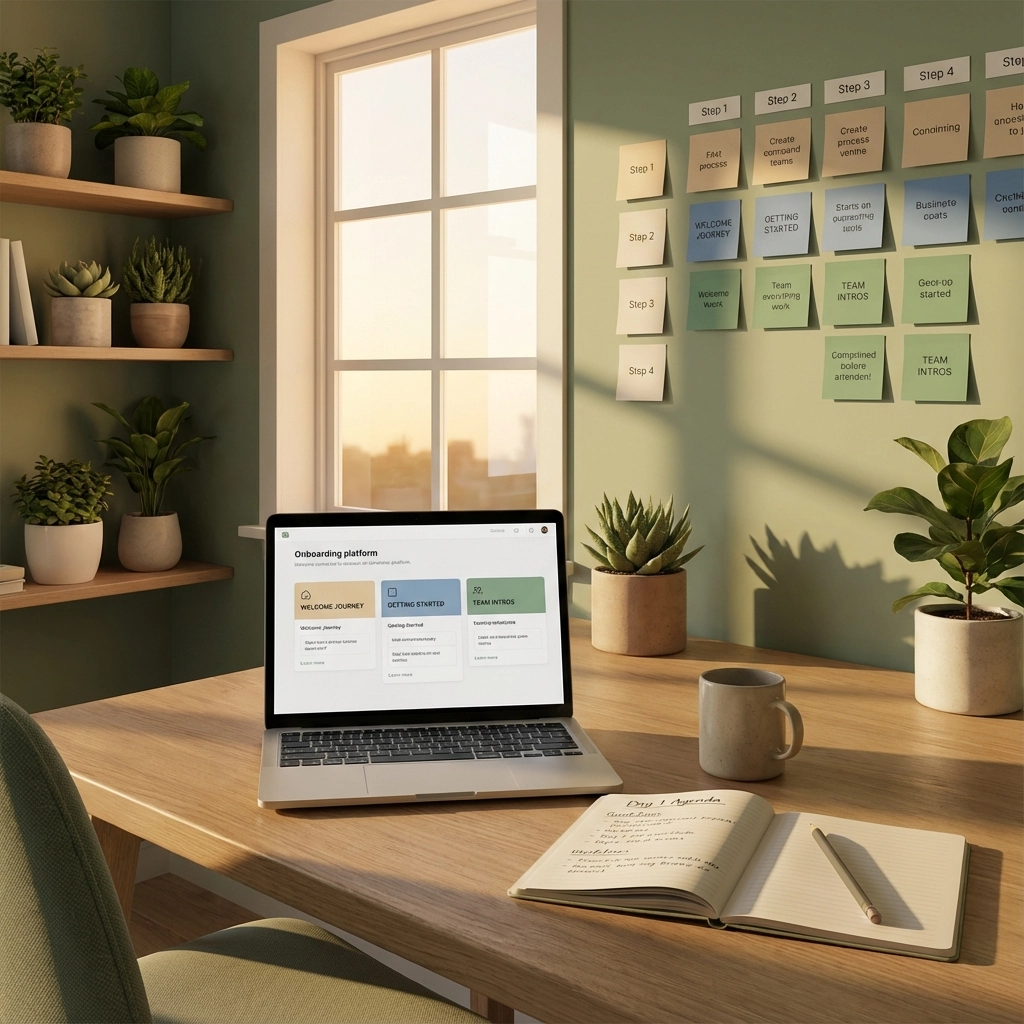
Then I did something most people skip. I onboarded it: the way I would onboard a person.
I shared stable background information:
- The kind of institution I work in
- The audiences I serve (educators, students, staff, community partners)
- The kinds of projects on my plate, like a multi-track learning program and a campus campaign
- My constraints, including time, energy, and some executive function challenges
- My preferences: professional but warm tone, no emojis, human-centered and trauma-informed where appropriate
From there, I started building continuity:
- "Use the same structure we created in that earlier outline."
- "Align this description with the program framework we drafted last week."
- "Rewrite this so it matches the tone of the previous workshop blurb."
In other words, I stopped treating each conversation like a one-off. I treated them as pieces of a shared body of work.
Step 3: What Real Collaboration Looked Like

Here are a few real but slightly anonymized ways we now work together:
Turning Idea Fog into Program Structure
When I needed to build a new multi-track learning program, I knew what I wanted it to do. I just couldn't hold the entire thing in my head while also drafting clean documents.
So I shared my messy notes and asked:
"Help me turn this into two or three possible program structures with pros and cons for each. The program needs to support educators and students, align with institutional priorities, and be realistic to maintain over several years."
The AI proposed concrete structures. I chose one, adjusted it, and then asked for help drafting one-page descriptions and participation criteria. I still made all the decisions. But I didn't have to start from a blank page.
Designing Interactive Workshops Faster
I design short, interactive events where people explore questions like who gets to learn, how learning is defined, or how course materials impact access.
Instead of reinventing the wheel for every event, I now give my AI employees a simple brief:
- Who the session is for
- How long it is
- What I want people to feel, understand, or do by the end
Then I ask:
"Act as a session design partner. Create a 60 or 90-minute agenda with a brief welcome, one low-barrier interactive activity, small group or pair conversations, and a closing reflection. Keep the language simple and inviting, not corporate."
From there, we iterate. I tweak questions, adjust timing, and add my own facilitation notes. The AI gives me a sturdy skeleton. I make it human.
Writing Partner, Not Ghostwriter
I'm also working on long-form pieces about mental health and work. I don't want AI to tell my story for me. That part is mine.
But I do use it this way:
- To organize chapter ideas into a sequence that makes sense
- To tighten language when my first draft is bloated or scattered
- To suggest places where a personal story would add depth
- To generate reflection questions and exercises at the end of a chapter
A typical ask sounds like:
"Here is a draft section. The structure is fine, but it sounds like a generic self-help blog. Keep the key ideas, but make it sound like a human talking. Then suggest three places I could drop in a short story from my life."
It becomes a writing partner that handles structure and clarity while I bring vulnerability, detail, and lived experience.
Step 4: How I "Trained" My AI Over Time
Looking back, the collaboration improved whenever I did these five things:
1. Named the Role
I kept reminding the AI what it was for: design partner, writing assistant, planning coach. That gave it a lens.
2. Gave Rich Context Before the Task
I stopped saying, "Write a workshop outline," and started saying, "Here is the audience, the time, the goal, and my constraints. Now write a workshop outline."
3. Stated My Preferences
I said what I liked and what I didn't: tone, formatting, accessibility, even punctuation. When it missed, I told it exactly why.
4. Referenced Past Work
I asked it to reuse structures and align new content with older drafts, the way I would expect a human colleague to remember previous conversations.
5. Offered Specific Feedback
Instead of "This isn't it," I learned to say, "The structure works, but the tone is too formal," or, "The content is fine, but this is too long for an email."
None of that required code. It just required thinking of AI as someone I was training, not a vending machine I was shaking.
Step 5: What Didn't Work

There were also patterns that didn't help much:
- Huge, vague requests produced huge, vague answers
- Asking for one paragraph to work for every audience resulted in generic language
- Saying "I don't like this" without explaining why didn't improve later drafts
The more I treated my AI employees like real collaborators, the more they started to feel like one.
A Few Starter Moves You Can Try
Here are two simple patterns you can copy the next time you open your AI tool of choice:
Context First, Then Task
Instead of:
"Write me a workshop outline about accessible course materials."
Try:
"I support teaching and learning at a public institution. I am designing a 60-minute workshop for instructors who are new to the topic of course materials and access. The goal is to help them understand the basics, hear real student perspectives, and leave with one small concrete action they can take in their own courses. Act as a session design partner. Propose a 60-minute agenda with a welcome, one interactive activity, small group or pair conversation, and a closing reflection."
"Here's the Mess, Make It Clearer"
Instead of trying to write the perfect draft alone, try this:
"Here is a messy brain dump about an idea for a new program. The audience is [X], the goal is [Y], and the constraints are [Z]. First, summarize the core idea in one short paragraph. Then propose two possible structures for this program, with pros and cons."
The more you work this way, the more your AI tool becomes something else: a digital employee that remembers, adapts, and grows with you.
When you're ready to take the next step in building your own team of AI employees, check out our free resources or learn more about how to hire your first AI employee.
AI employees, AI collaboration, digital workforce, AI tools, productivity, human-AI partnership, workplace automation, AI implementation, solo entrepreneur, small business AI
#AIEmployees #AICollaboration #DigitalWorkforce #AITools #Productivity #HumanAI #WorkplaceAutomation #AIImplementation #SoloEntrepreneur #SmallBusinessAI